

What Picstome does
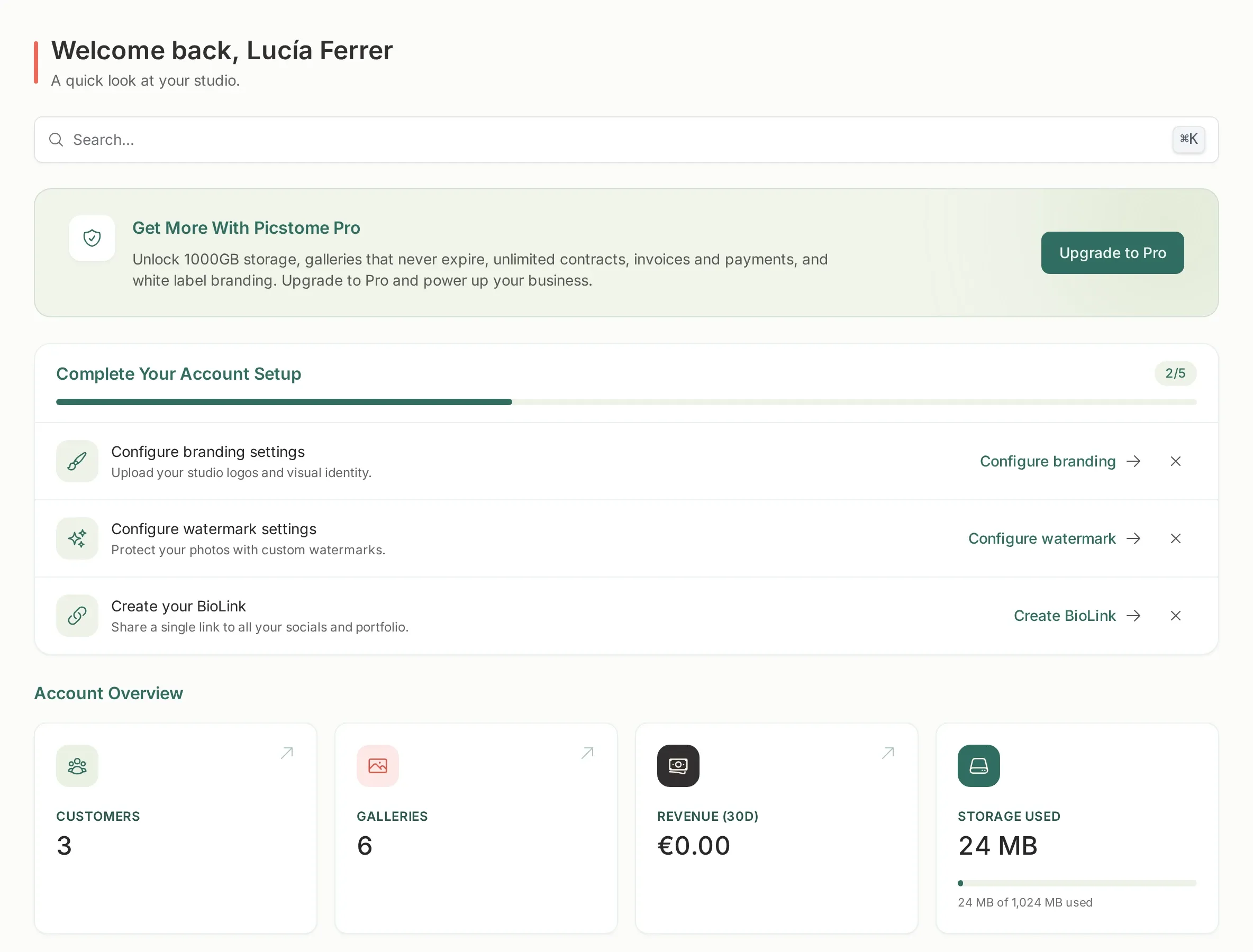
Picstome replaces the usual pile of tools a photographer uses after a shoot. It does four things, and they share the same client record:
- Deliver the photos. You upload a gallery and send one link. The client views it, favorites what they like and downloads whatever you allow.
- Collect the selection. When the client favorites photos, you see that selection in your panel and can export the file names, so you know exactly what to edit.
- Sign the paperwork. Contracts go out as a link, the client signs in the browser, and you both keep a PDF.
- Get paid. Invoices with your fiscal data and, if you connect Stripe, card payments from your public profile or a payment link.
What it is not
Section titled “What it is not”- It is not a backup service. Galleries expire unless you are on a plan that keeps them forever, and deleting a gallery deletes its files. Keep your own copy of every original.
- It is not a photo editor. It resizes, watermarks and converts for the web. All editing happens in your usual software.
- It is not a tax agency. Invoices are correct as documents, but Picstome is not a certified invoicing system. Check with your accountant for anything that has legal consequences.
The two sides
Section titled “The two sides”Every page in Picstome belongs to one of two worlds:
| Side | Who sees it | What it looks like |
|---|---|---|
| Your panel | Only you and your team | Always the Picstome interface |
| Your public pages | Clients, visitors, anyone with the link | Your logo, your colors, your name |
Your panel is never branded with the studio’s identity. The public profile, the portfolio, the shared galleries, the contracts and the invoice links are. That is why branding settings only change the second column.
Where to go next
Section titled “Where to go next”- Your first gallery, if you want to see the whole flow in ten minutes.
- Plans and storage, if you need to know what the free plan includes.