

Your first gallery
The whole flow
Section titled “The whole flow”-
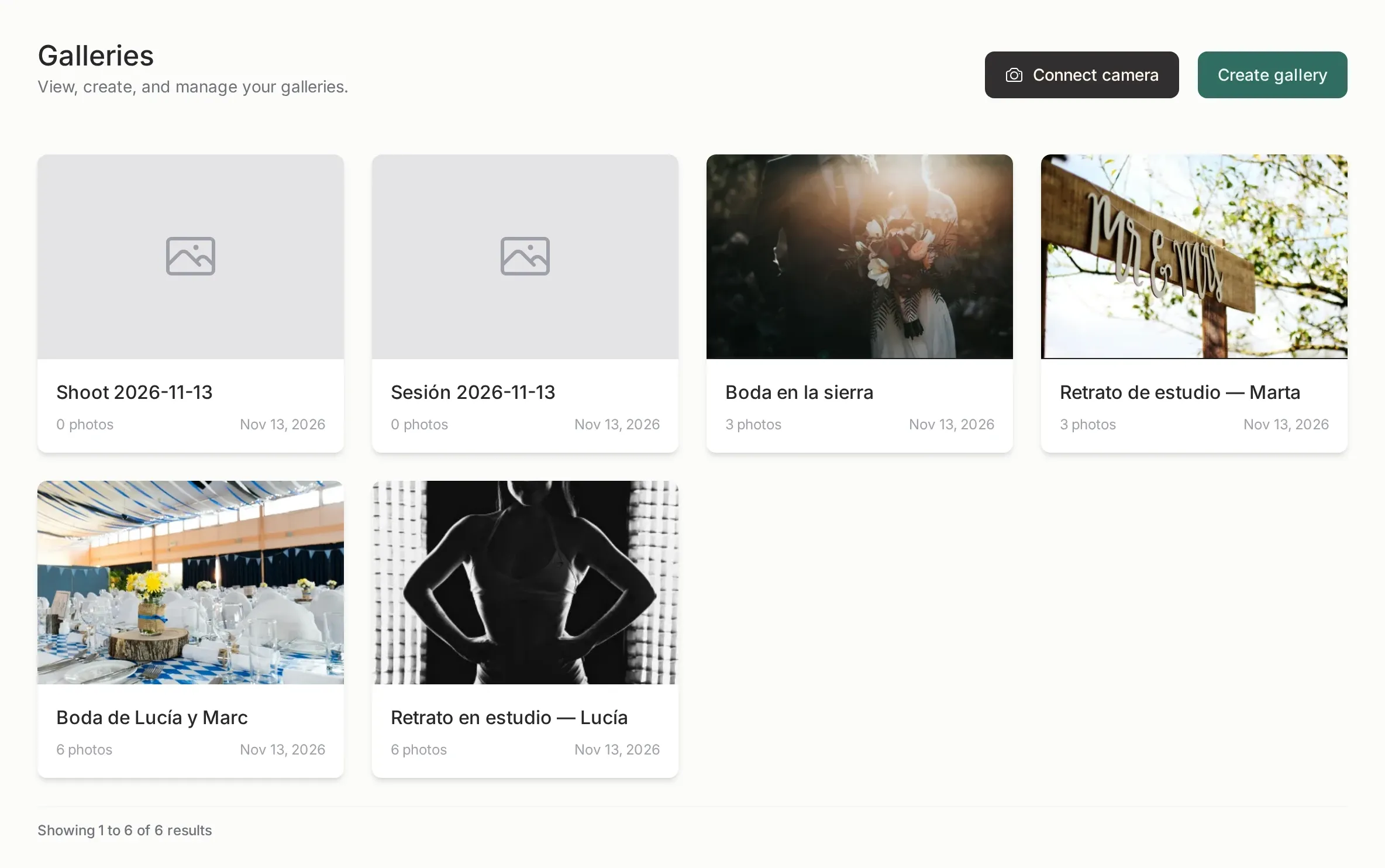
Create the gallery. In Galleries, press the create button, give it a name and, if you want, link it to a photoshoot and pick an expiration date.
-
Upload the photos. Drag the files onto the gallery. Uploading happens in the background: you can leave the page and come back.
-
Share it. Open the Share tab, switch sharing on, and copy the link. That link is what your client opens.
-
Let the client work. They open the link in any browser, no account and no app. They can favorite photos, comment, or download, depending on the switches you enabled.
-
Read the result. Favorites appear in the Favorites tab of the gallery. From there you can export the list of file names.
The three decisions that matter
Section titled “The three decisions that matter”Most of the confusion on the first gallery comes from three switches. Everything else has a sensible default.
| Switch | What it changes |
|---|---|
| Original size | Whether the gallery keeps the full files or web-sized versions. |
| Selection limit | Whether the client can favorite a maximum number of photos. |
| Download | Whether the client can download individual photos or a ZIP of the whole gallery. |
What the client receives
Section titled “What the client receives”Nothing like a login form. The link opens a page with your logo, the gallery name and the photos. If you protected it with a password, they type it once and the browser remembers it for that gallery.
There is no sign-up, no email confirmation and no app to install. A client who loses the link can get it again from you at any time: sharing the gallery again reuses the same link.
Common first-time questions
Section titled “Common first-time questions”Do I have to upload the RAW files? No. Upload the JPEG/PNG/TIFF you want to show, or let the camera upload send the JPEG over FTP. RAW files are accepted, but they are heavy and the client never downloads them from a shared gallery.
Can I change the photos after sending the link? Yes. Adding, replacing or archiving photos updates the gallery the client sees. A photo you archive disappears from their view immediately.
What happens when the gallery expires? The client can no longer open it and the files are removed. The plans article explains the windows.