

Gallery downloads
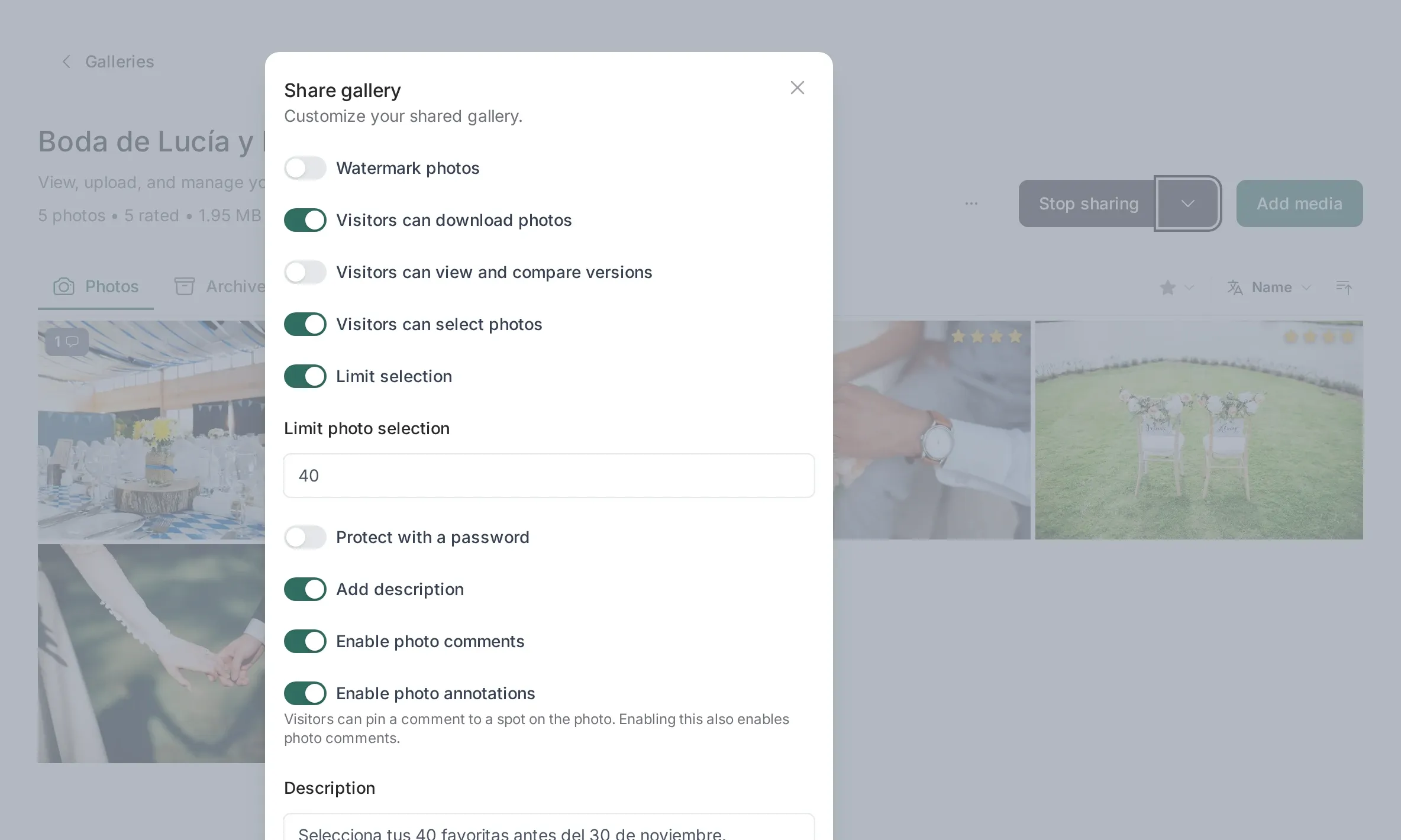
Two ways to download
Section titled “Two ways to download”- One photo: the download button in the viewer. The browser receives the file directly.
- The whole gallery: the Download tab builds a single ZIP and gives you a link when it is ready.
Both respect what you allowed in the sharing settings: if downloads are off for the client, neither exists for them.
What is inside the ZIP
Section titled “What is inside the ZIP”Exactly one entry per photo, using the current version:
- processed images (JPG, PNG, TIFF)
- videos (MP4, WEBM, OGG)
- PDFs
It never includes:
- RAW files. If a RAW was processed, the extracted JPEG goes in instead.
- Historical versions. Only the version the client currently sees.
- Archived photos. They are hidden from the client everywhere, including the ZIP.
- Photos that are still processing. They appear once processing finishes; download again to get them.
Why the ZIP is not instant
Section titled “Why the ZIP is not instant”Building a ZIP of 800 photos takes time and disk. Picstome does it on a queue worker, uploads the result, and keeps it for 7 days. Until then, requesting the same gallery again reuses the archive instead of rebuilding it.
Changing a single photo invalidates the archive: the next download rebuilds it with the new file.
Size and space
Section titled “Size and space”Archives are temporary files stored in your storage. They count against your plan while they exist and are deleted automatically after the expiry.
If you are close to your storage limit, prefer individual downloads or ask the client to download before you start a big upload. There is also an option to keep the gallery ZIP preparation disabled if you prefer not to spend storage on it.
A note for phones
Section titled “A note for phones”On iPhone and iPad, the Files app needs extra free space to unzip the archive. If the ZIP fails to open, download the photos individually instead. The shared page warns the client about this.
Resume support
Section titled “Resume support”Downloads are served by the storage provider, not by PHP, so a large video can be paused and resumed by the browser. The link has an expiration (10 minutes for photos, 6 hours for videos); if it expires mid-download, the file keeps downloading, but a new attempt needs a fresh click.