

Plans and storage
Features are never locked
Section titled “Features are never locked”This is the part people usually get wrong. Every feature works on every plan. Sharing, passwords, comments, annotations, selection limits, file versions, Stripe, camera upload and contracts are not paid add-ons.
The plan only changes capacity:
| Free | Subscription | |
|---|---|---|
| Storage | 1 GB | 100 GB up to 1 TB |
| Invoices per month | 1 | Unlimited |
| Contracts per month | 1 | Unlimited |
| Payments per month | 1 | Unlimited |
| Private galleries expire | 1 year after creation | Never |
| Public galleries (portfolio) expire | Never | Never |
White label (Powered by Picstome) |
No | Yes |
What “1 GB” means in practice
Section titled “What “1 GB” means in practice”Storage counts the files Picstome keeps: the processed images, the videos, the PDFs and the temporary ZIPs you generate for downloads.
It does not count the RAW file if you keep the gallery optimized: in that case Picstome stores the extracted JPEG, not the RAW. If you enable original size, the full files count.
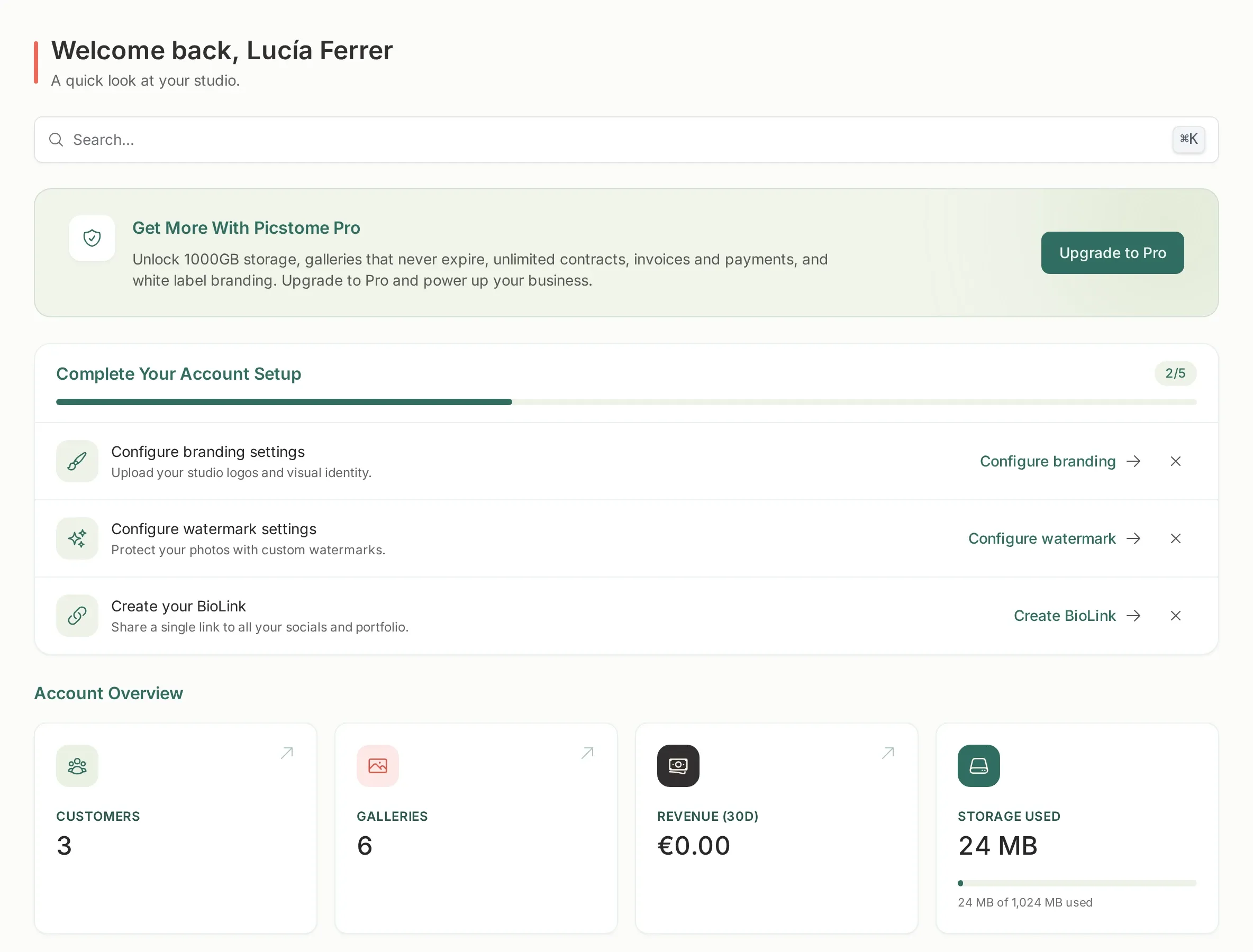
A typical wedding delivery of 600 web-sized JPEGs sits around 1–2 GB, so the free plan is realistically a test plan. The dashboard shows the exact usage and a warning appears at 95%.
Why galleries expire
Section titled “Why galleries expire”On the free plan, a private gallery expires one year after it was created, not after the last visit. The date is a ceiling: you can move the expiration earlier or later, but never beyond one year from creation.
When the date is close, you get an email three days before. When it passes, the gallery and its files are deleted. Public galleries used for the portfolio never expire.
Subscribing removes the expiration date from that moment: galleries already created get their date cleared, and new ones are created without one. If a subscription ends, galleries get a date again instead of disappearing overnight.
The monthly limits
Section titled “The monthly limits”The free plan includes one invoice, one contract and one payment per month. The counters reset with the calendar month.
Only completed payments count. If a client opens a payment page and abandons it, nothing is consumed. When a limit is reached, the button is disabled for you and the client sees a neutral message, never your billing state.
Upgrading and downgrading
Section titled “Upgrading and downgrading”- Upgrade: from Subscribe. Stripe handles the payment and the plan applies immediately.
- Downgrade or cancel: from the billing portal. You keep the subscription until the end of the paid period.
- Storage over the new limit: uploads are blocked until you free space or upgrade again. Nothing is deleted automatically.
Where to check
Section titled “Where to check”The sidebar footer always shows your storage bar. The dashboard shows the same number with the plan name. If you see a storage banner you dismissed and want it back, it returns the next time you cross the threshold.