

Favorites and the selection limit
How the client selects
Section titled “How the client selects”In a shared gallery with Select photos enabled, every photo has a heart. The client taps it to mark a favorite and taps again to remove it. Nothing else is needed: no “submit”, no confirmation email, no download required.
The selection is saved the moment they tap. If they close the browser, the hearts are still there when they come back.
How you read the selection
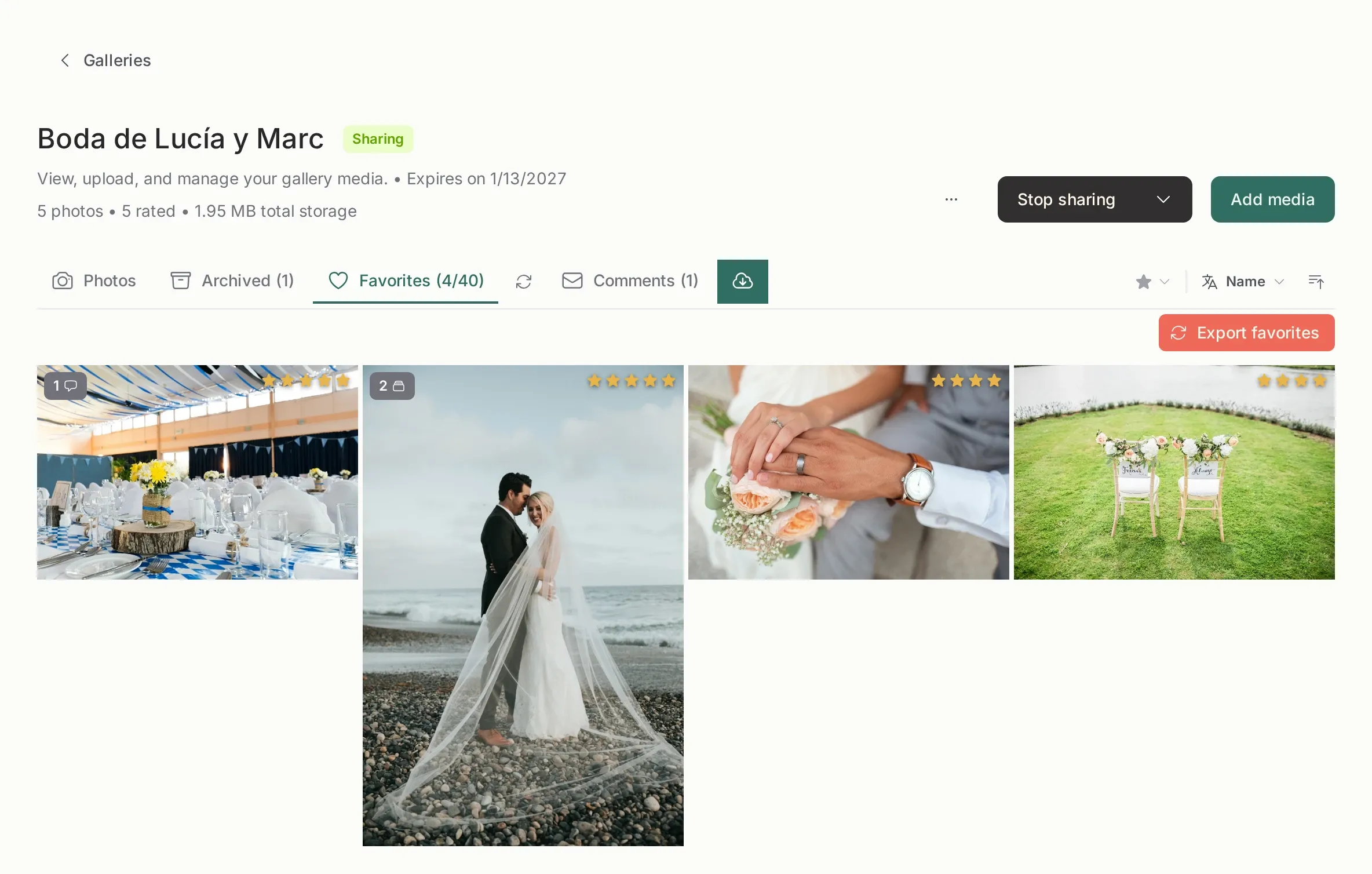
Section titled “How you read the selection”In your panel, the gallery has a Favorites tab with the same photos. From there you can:
- see the count and browse the selection;
- sort and filter it;
- export the list of file names, which is what you paste into Lightroom or Capture One;
- add favorites in bulk by pasting a list of names, useful when the client sends the selection by email.
The selection limit
Section titled “The selection limit”The limit is a number you set when sharing: for example, “choose your 40 favorites”. When the client reaches it:
- the next heart does not turn on;
- a notice explains that the limit is reached;
- photos already selected stay selected.
Two things worth knowing:
- The limit counts favorites, not downloads or views.
- If you have archived some of the client’s favorites, the count drops accordingly: archived photos do not count.
When the client reaches the limit you get one email per gallery. You do not have to watch the gallery to find out.
Changing the limit later
Section titled “Changing the limit later”You can raise it, lower it or remove it. Lowering it below what the client already selected does not delete their selection; it simply prevents new picks until they remove some.
Bulk favorites
Section titled “Bulk favorites”The bulk action accepts one file name per line. It exists for the client who replies with a spreadsheet, and it is also handy when you want to preselect a shortlist for them.
What the client never sees
Section titled “What the client never sees”The favorites count in your panel, your internal notes, your star ratings and the distinction between “their heart” and “your five stars”. The client only sees hearts.