

The client link
Sharing is a switch with options
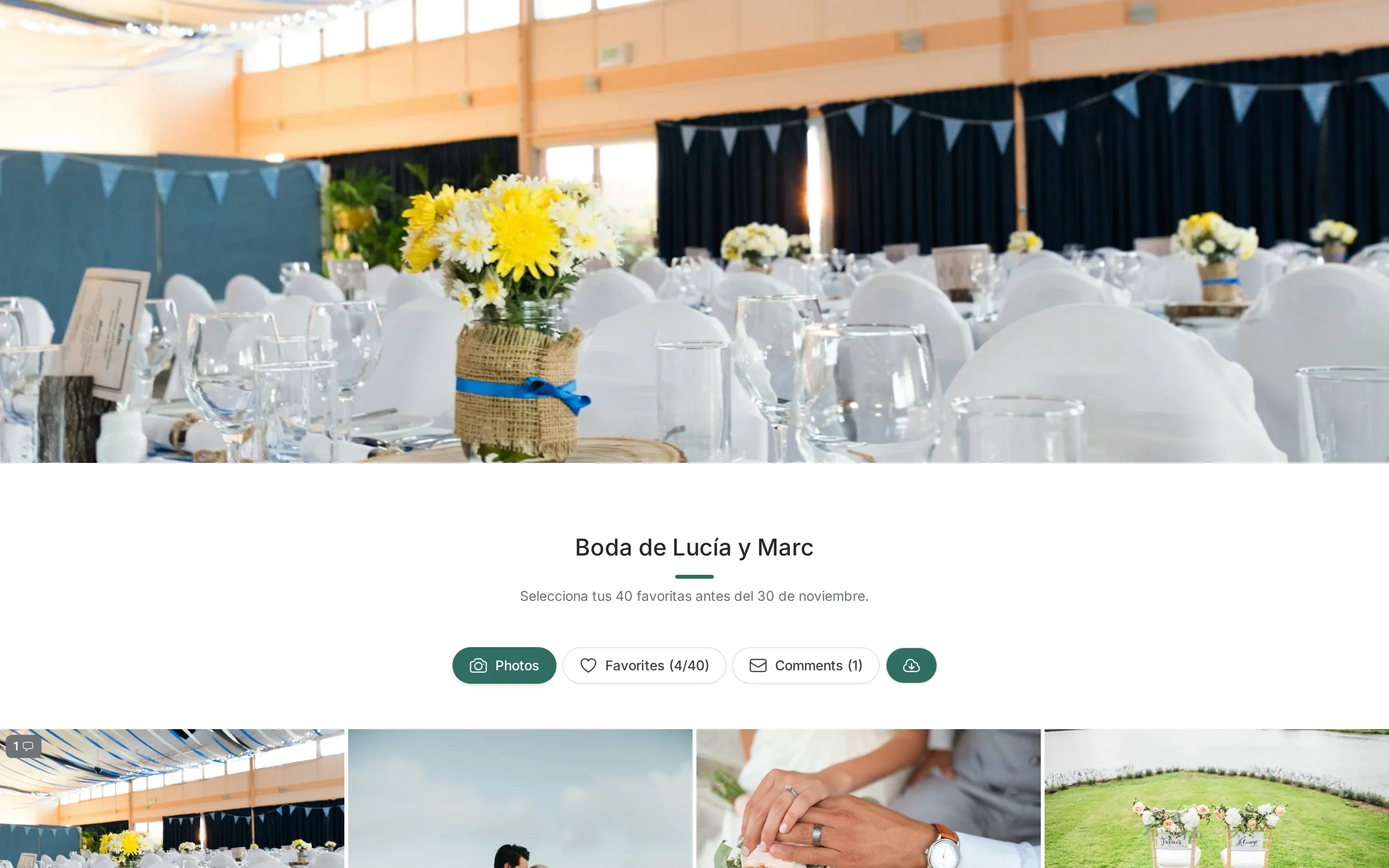
Section titled “Sharing is a switch with options”Turning sharing on publishes the gallery to a link. It does not mean “the client can do everything”: the other switches decide.
| Switch | What it adds to the client page |
|---|---|
| Password | The client types it once to enter |
| Expiry date | The link stops working on that date |
| Select photos | Hearts appear, and the selection is saved for you |
| Selection limit | Selection stops at N photos |
| Download | Individual downloads and the gallery ZIP |
| Watermark | The photos are shown with your watermark |
| Comments | The client can leave comments, with or without pins |
| Description | A text block above the photos |
| Versions | The client can compare file versions |
Every switch remembers your last choice for the next gallery. Passwords and the description are never remembered.
One link, always the same
Section titled “One link, always the same”The link is built from the gallery identifier, so it does not change when you rename the gallery or edit its photos. You can send it once and keep working.
Renaming a gallery changes the readable part of the URL, but the old address redirects to the new one, so nobody lands on a 404.
No account, no app
Section titled “No account, no app”The client does not sign up. They open the link, and that is it. There is no email collection, no password reset and no app store.
The trade-off: whoever has the link can open the gallery. That is why there is a password switch, and why the link should be sent to the client, not published.
The client portal
Section titled “The client portal”If you link a customer to the gallery, the client gets a page listing all their shared galleries, not just one. The same password protection applies per gallery: the portal shows only the ones already unlocked.
Turning it off
Section titled “Turning it off”Disabling sharing makes the link invalid immediately. The gallery, the photos and the client’s favorites stay in your panel; only the public page disappears. Re-enabling it reuses the same link.
Every switch is per gallery; only the boolean defaults are remembered for the next one.