

Sharing with clients
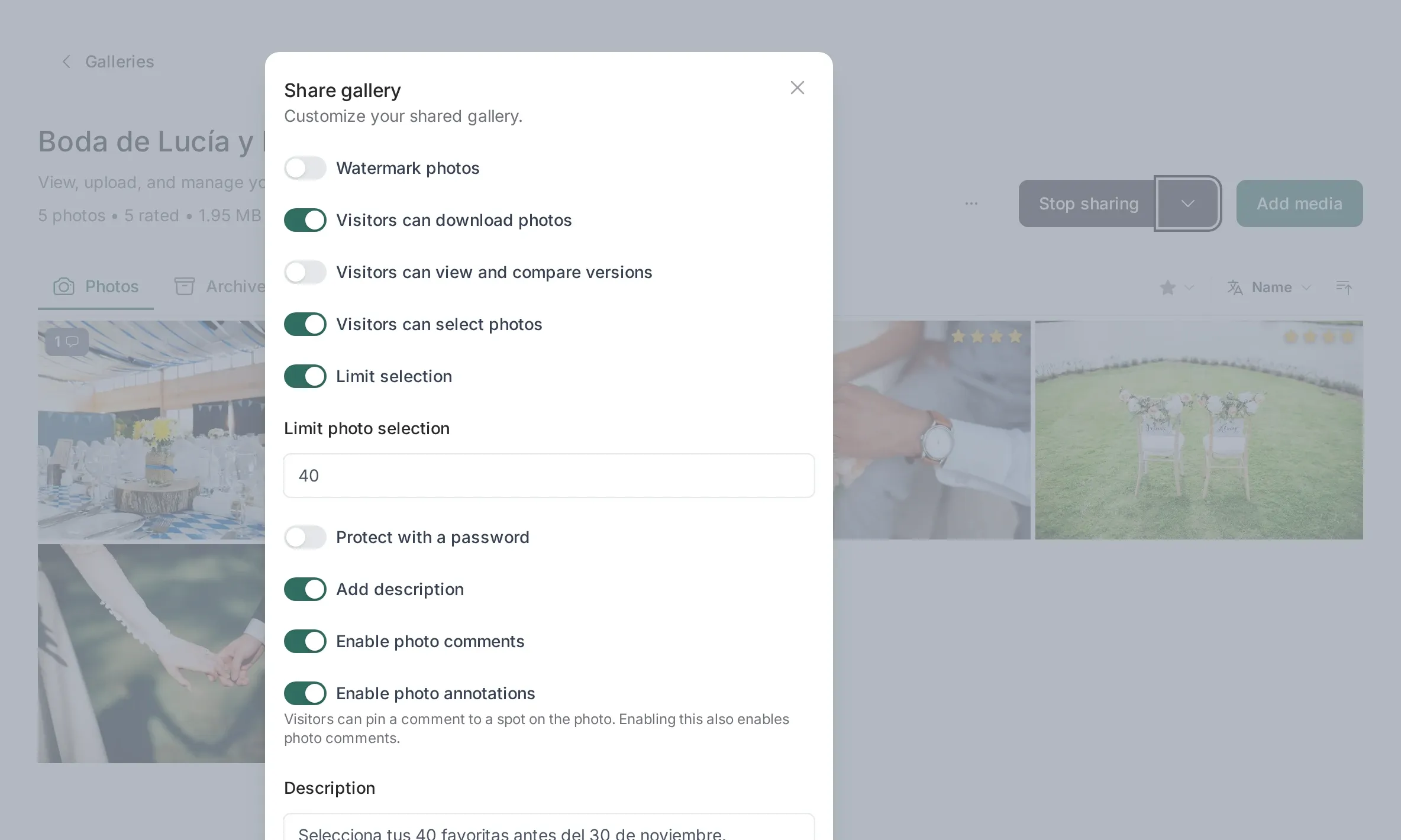
Sharing is the moment the gallery becomes something a client can open. It is a single link, no account and no app, and the switches in the Share tab decide exactly what happens when somebody clicks it.
The pieces
Section titled “The pieces”The client linkWhat the page looks like, why the link never changes, and how to turn it off.
Favorites and the selection limitHow the client marks photos and what the limit really blocks.
Comments and annotationsFeedback attached to the photo, with or without pins.
DownloadsIndividual files, the gallery ZIP, and what is never included.
What sharing is not
Section titled “What sharing is not”- It is not a login. The client does not create an account. Whoever has the link can open the gallery, which is why there is a password switch.
- It is not publishing. A shared gallery is still private by default: it is not indexed, not in your portfolio, and not visible to anyone without the link.
- It is not permanent. You can turn sharing off at any time and the link stops working immediately, while the gallery and the client’s selection stay in your panel.
Before you send it
Section titled “Before you send it”- Look at the gallery as the client will see it. The client page is reachable from the preview before you share it.
- Decide the switches once. Password, selection, downloads, watermark and comments each have a sensible default, and your last choice is remembered for the next gallery.
- Check the count. If the gallery has photos still processing they appear a few seconds later, so wait before sending a link to a client who is waiting.
After you send it
Section titled “After you send it”Your panel shows the client’s activity as it happens: favorites, comments and the selection limit notification. Nothing is sent by email unless you enable it, so a quiet gallery means a client who has not opened the link yet, not a broken link.
Related
Section titled “Related”- Culling: what you do on your side before sharing.
- Public profile and portfolio: sharing with the whole internet instead of one client.