

VAT, exemptions and corrective invoices
VAT on the invoice
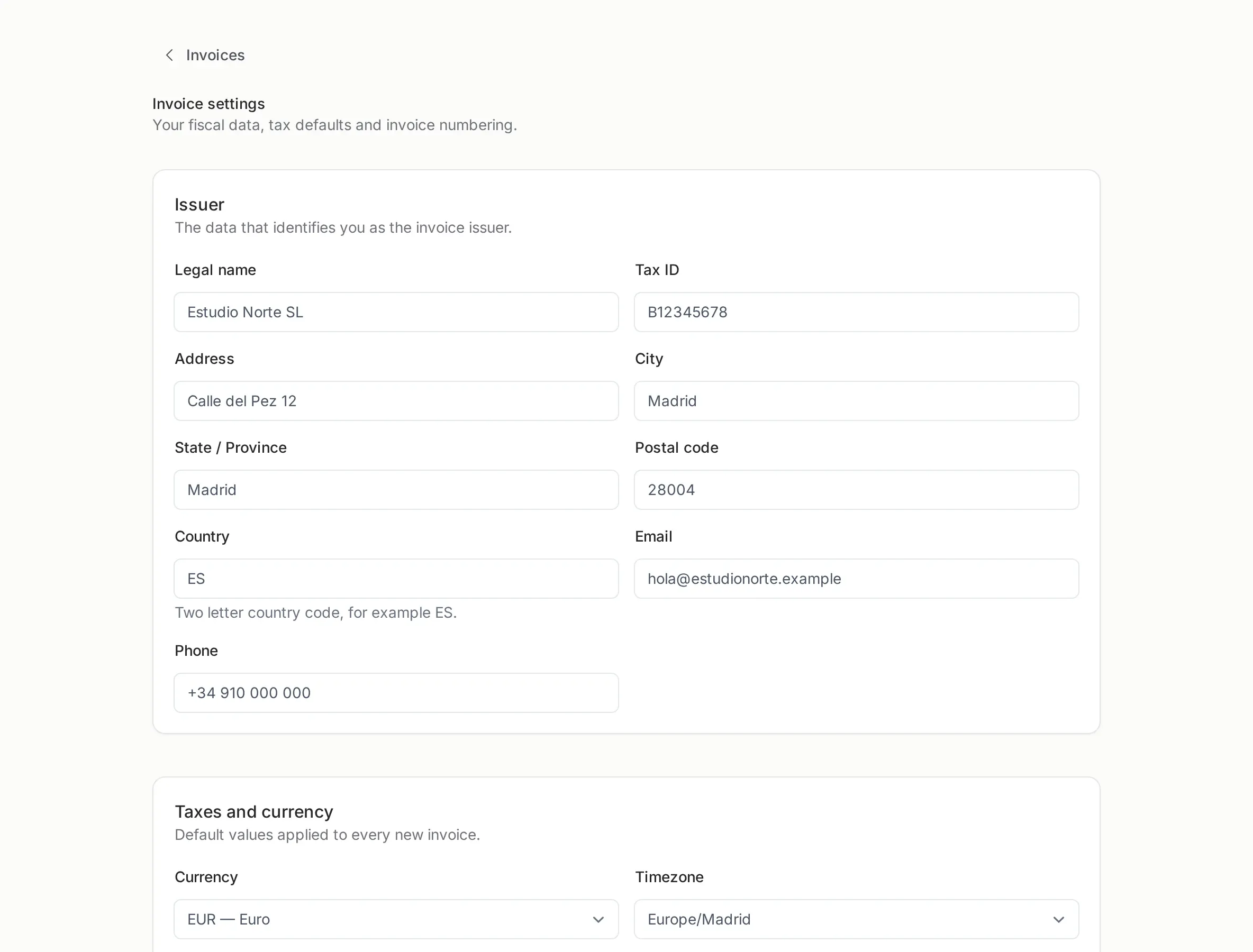
Section titled “VAT on the invoice”Each line carries a VAT rate, and the invoice shows the rate, the amount in euros and the total with VAT included. In Invoice settings you set the default rate, so a normal invoice needs no per-line work.
If you invoice a company or a professional inside your country, the IRPF withholding is applied to the base price and printed on the invoice. It is not money you receive; it is tax you settle later.
When an invoice has no VAT
Section titled “When an invoice has no VAT”An exempt invoice is legitimate, but it must say why. Picstome will not let you issue one without a reason. A typical text is:
Operación exenta por el artículo 20 de la LIVA
That field is not decoration: a document without VAT and without a reason is the first thing an accountant or an inspection asks about.
Common cases are intra-community services with a valid VAT number and specific exempt activities. If you are unsure whether your case is exempt, that is a question for your accountant, not for the software.
Correcting an invoice
Section titled “Correcting an invoice”You never edit an issued invoice. If something is wrong, you issue a corrective invoice:
- Open the original invoice.
- Choose Create corrective invoice.
- The new document is created with the same customer and the same lines, referencing the original number.
- Adjust what was wrong, add the reason and issue it.
The original keeps its number and its PDF untouched. The corrective gets a number from the rectification series. Both appear linked, and the client can open either one.
This is the behavior the law expects: an audit trail, not a rewritten history.
What a corrective invoice does not do
Section titled “What a corrective invoice does not do”- It does not delete the original.
- It does not modify the original PDF.
- It does not automatically refund anything. If money moved, you handle the refund separately (or through Stripe).
You can issue a corrective invoice with a negative amount (a credit) or with the corrected positive amount, depending on how you want the pair to read. The important part is that the pair tells the whole story.
Practical checklist
Section titled “Practical checklist”- VAT rate set once in Invoice settings.
- Exemption reason written before issuing, never after.
- Mistakes corrected with a new invoice, never with an edit.
- The original PDF archived by you, because it is the document that was sent.
Legal notice
Section titled “Legal notice”Picstome produces correct invoices, but it is not a certified invoicing system and does not print VERI*FACTU or the AEAT QR. Requirements vary by country and activity; confirm yours with your accountant.