

Templates and signatures
Template vs. contract
Section titled “Template vs. contract”This is the concept that trips people up:
| Template | Contract | |
|---|---|---|
| What it is | Reusable wording, no client attached | A copy of a template for one client |
| Editable after sending | Yes, and it changes nothing already sent | No, it is frozen |
| Has a signature | No | Yes |
| Has a PDF | No | Yes |
Edit the template whenever you want; new contracts pick up the new text. Contracts already sent keep the text they had.
The four included templates
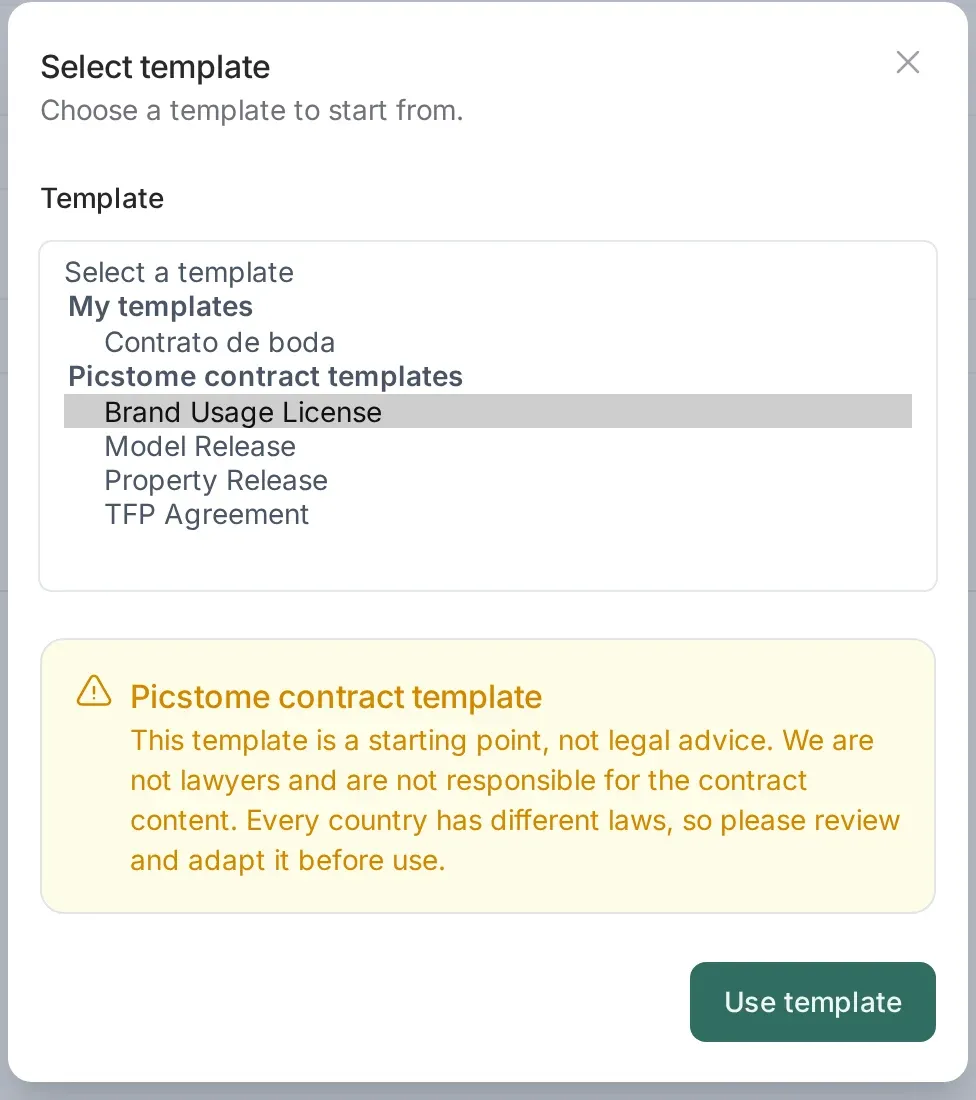
Section titled “The four included templates”Picstome ships four base templates, in English and Spanish. They are not in your Contract templates list (that list is for your own templates): they appear under Use template, in the Picstome contract templates group, when you create a contract or one of your own templates.
| Template | What it does | When to use it |
|---|---|---|
| Model Release | The person photographed, or their guardian if they are a minor, authorizes the use of their image and data. It includes a waiver of privacy and publicity claims and a data protection consent. | Portraits, models, identifiable people in campaigns or portfolios. It does not replace the service contract. |
| Property Release | The owner or person responsible for the location authorizes photographing the property and using the images. It confirms there are no restrictions and excludes third-party trademarks. | Private locations, venues, estates, a client’s interiors. |
| TFP Agreement | A trade-for-portfolio collaboration with no fee. Both parties get a usage license, with credit, and the agreement covers what happens if someone cancels. | Test shoots, collaborations with models or creators, a session exchanged for images. |
| Brand Usage License | The client gets a non-exclusive, worldwide, one-year license to use the images in its marketing. The photographer keeps the copyright and portfolio use; there is no sublicensing. | Campaigns and commercial work for brands, products or agencies. |
When you pick one, the text is copied into the contract. You can edit it there; the base template does not change. If you use it from Contract templates, it is copied into one of your own templates, which you can save and reuse.
The base templates do not count against the monthly limit: the limit counts contracts sent. Use them as often as you like.
Sending one
Section titled “Sending one”- Create the contract and pick a template. The text is copied into the contract.
- Fill the details: client, photoshoot, price and whatever the template expects you to complete.
- Send the signing link. The client opens it in the browser, reads, signs with the mouse or a finger and confirms.
- The PDF is generated with both signatures and stored in the contract. You can download it at any time.
What the client experiments
Section titled “What the client experiments”A clean page with the contract text, your branding, the price and a signature area. No account. When they sign, they immediately get the signed document.
There is a second signature path for two signers: you sign first, then the client. The order is recorded in the PDF.
The PDF is the document
Section titled “The PDF is the document”The PDF is generated when the contract is signed, not when it is created, and it stays attached to the contract. Downloading it later gives the same file, so you can archive it or attach it to an email without regenerating anything.
If you edit the contract before it is signed, the PDF is not generated yet and the client sees the updated text. Once signed, editing is disabled.
Monthly limit
Section titled “Monthly limit”The free plan includes one contract per month. The limit counts contracts sent, not templates, and it resets with the calendar month. Templates are unlimited on every plan.
Where to find things
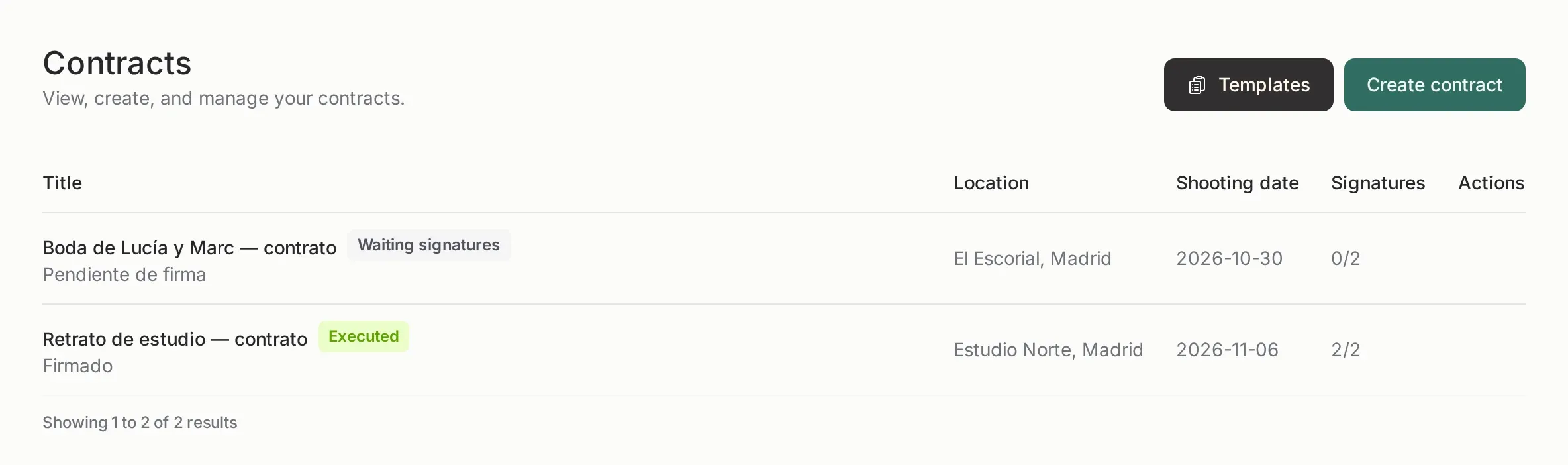
Section titled “Where to find things”- Contracts lists everything you sent, with its state (draft, sent, signed).
- Contract templates is where the reusable text lives. The four Picstome templates are picked with Use template from a contract or from one of your templates.
- The customer page shows the contracts linked to that client.