

Public profile
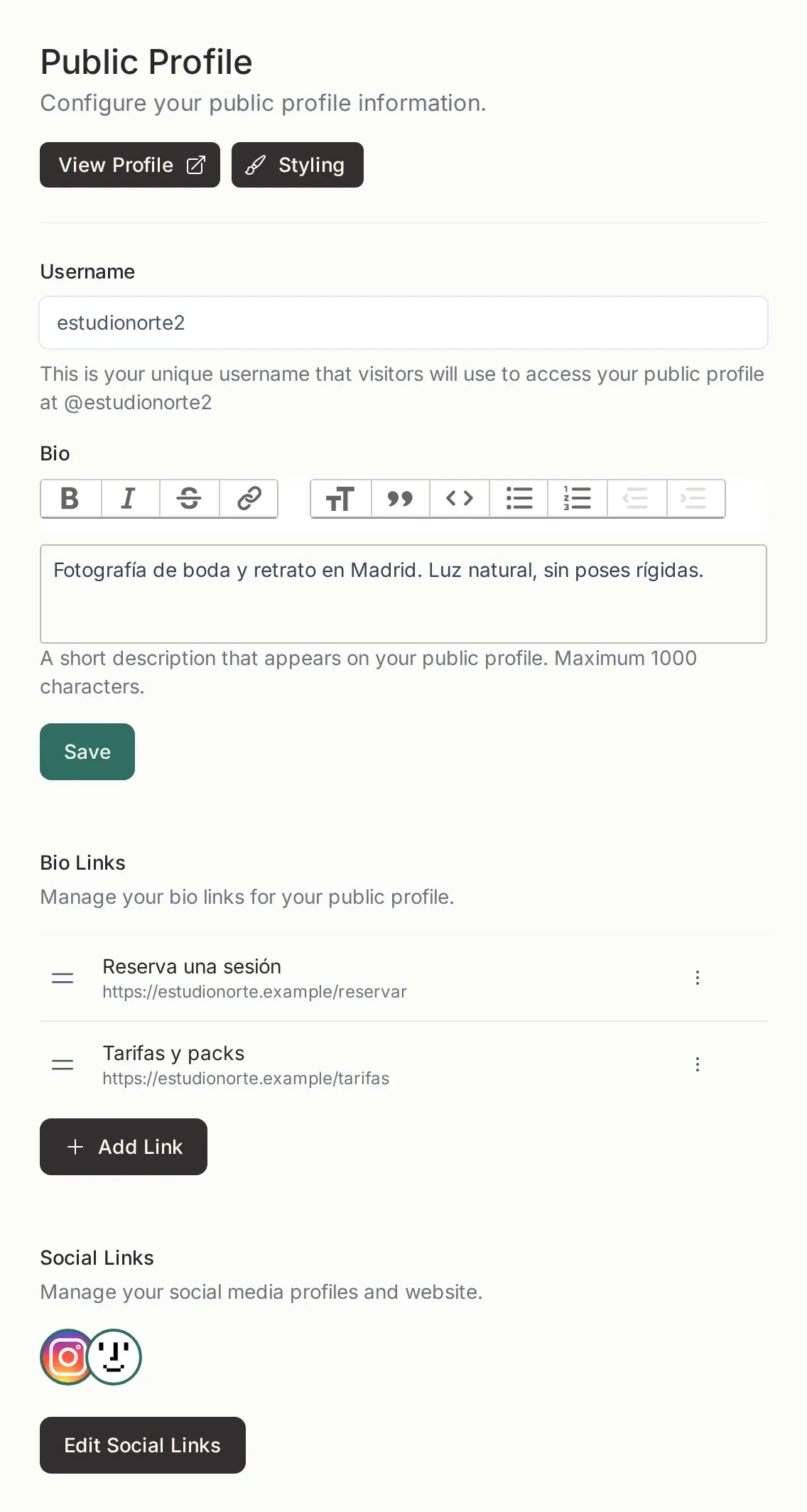
The public address
Section titled “The public address”Your profile lives at /@yourhandle. That handle is the address you put in an Instagram bio, on a card or in an email signature. It is unique within Picstome.
If you change the handle, the old address stops working. If you had already shared it, tell people or hand out the new link.
What to put on it
Section titled “What to put on it”- Bio. One or two sentences about what you do and who for. It is not a résumé; it is what someone needs to decide whether to write to you.
- Bio links. Buttons below the bio: bookings, rates, WhatsApp, a PDF portfolio. You can reorder them by dragging.
- Social links. Instagram, website and email. They become the icons at the bottom of the profile.
The View profile button opens the public page in another tab. Styling takes you to the public page colours.
The brand
Section titled “The brand”The Brand settings change only the public pages, not the panel:
- General: studio name, handle, contact and socials.
- Logos: the header logo and the icon used as a favicon.
- Styling: the accent colour of the public pages.
- Watermark: the one applied to photos in shared galleries. It has its own article.
The panel keeps the Picstome palette on purpose: a team member should never confuse the internal tool with a client page.
What the visitor sees
Section titled “What the visitor sees”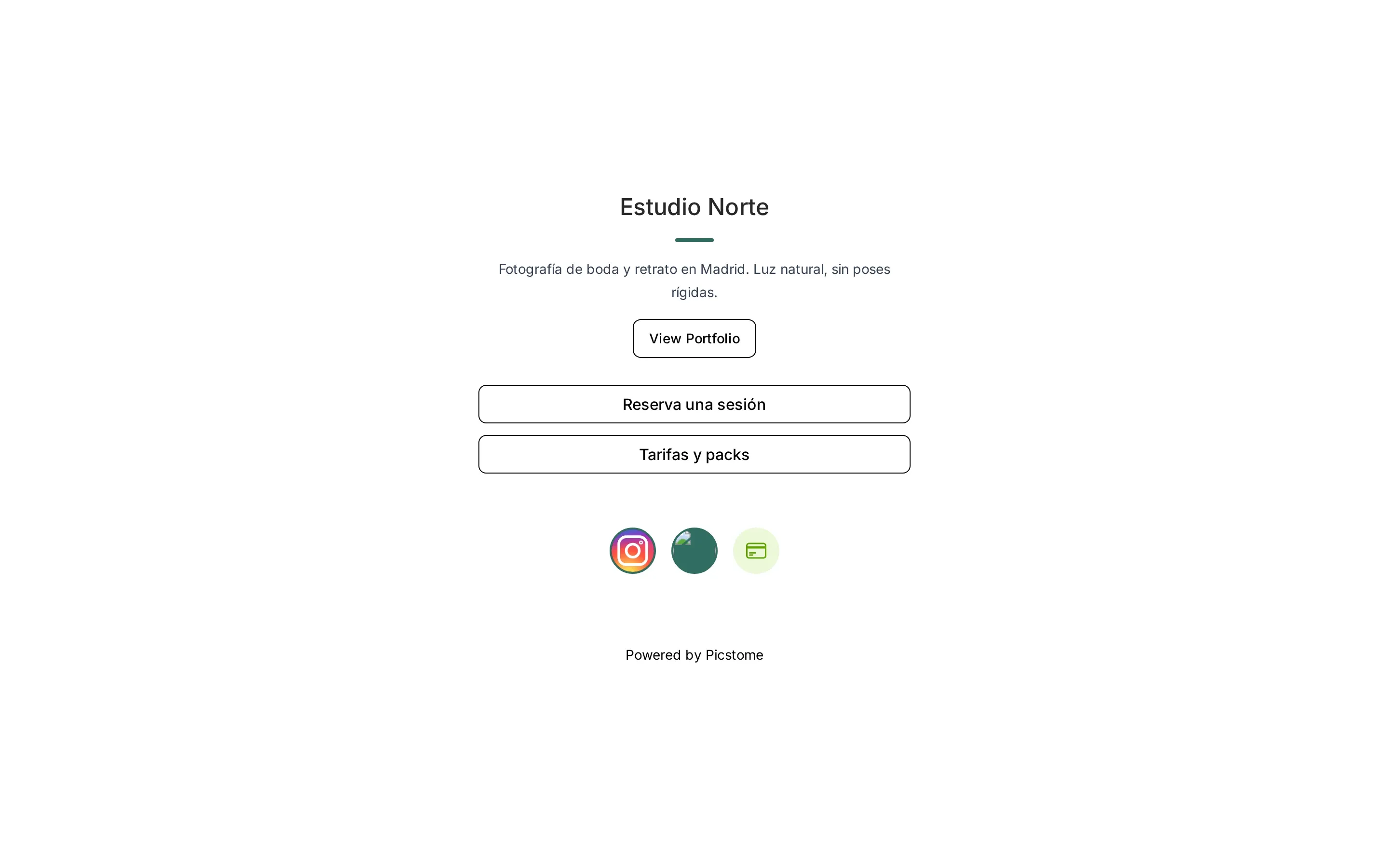
If you have public galleries, the View Portfolio button appears. If not, the profile still works as a link page.
The payment button
Section titled “The payment button”When you enable it, a visitor can send you a payment from the page itself. The charge goes through Stripe; if you have not connected it, the button does not appear. Setup is in Getting paid with Stripe.
White-label
Section titled “White-label”With a subscription, the Powered by Picstome footer disappears from the public pages. It is the only branding difference between plans; the rest of the profile is the same.
Related
Section titled “Related”- Portfolio — the galleries shown on the public page.
- Watermark — the mark burned into shared photos.
- Getting paid with Stripe — the profile’s payment button.