

Black screen
What it is for
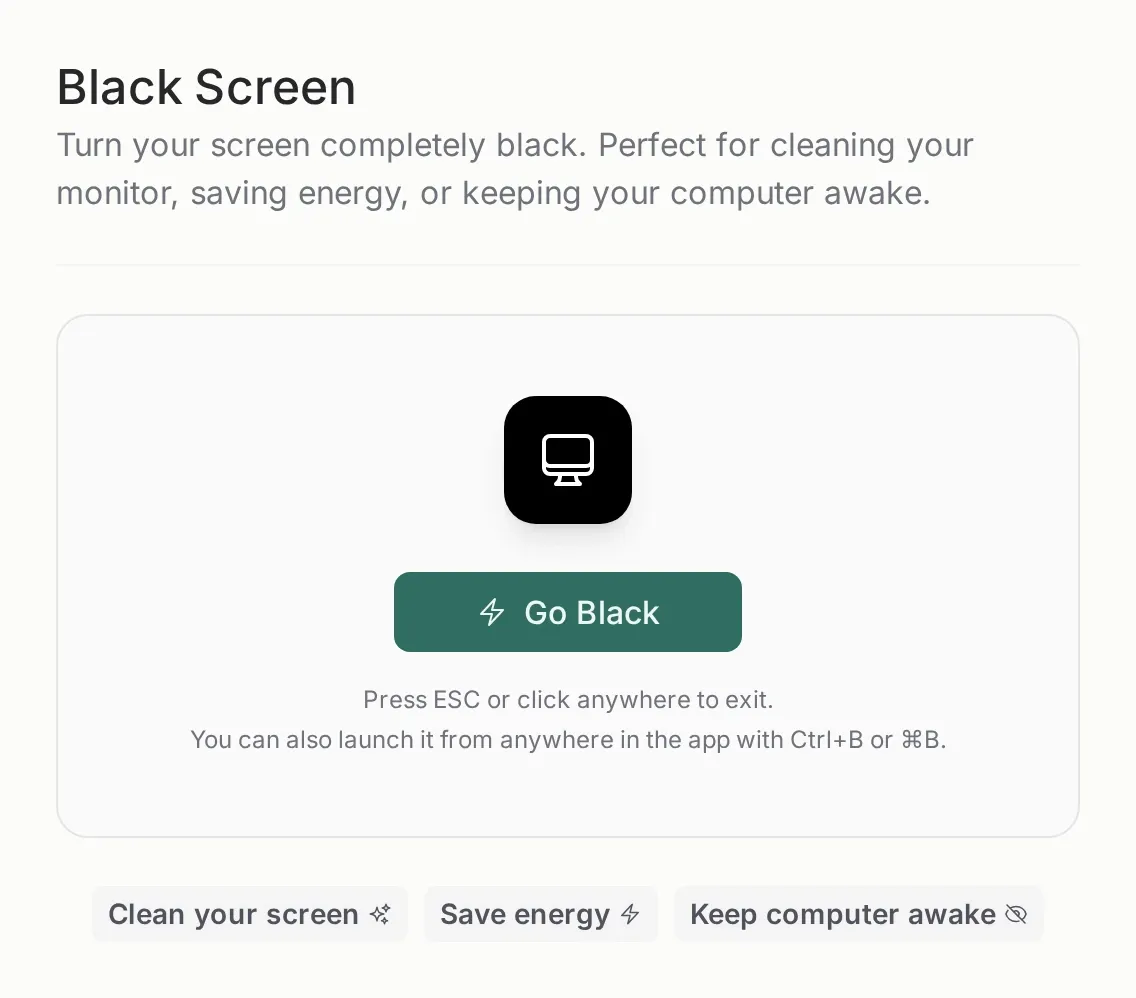
Section titled “What it is for”It turns the screen completely black, with no panels or cursor. It is meant for three very specific things:
- Cleaning the monitor without shutting down the computer or signing out.
- Using the screen as a light source or reflector on a low-light shoot.
- Keeping the computer awake without the display on.
How to start it
Section titled “How to start it”From its page, with the Go Black button. Or from any other page in the panel with Ctrl+B on Windows and Linux, or ⌘B on Mac.
When it starts, the app requests fullscreen and asks the browser to keep the screen awake (wake lock). If the browser does not allow one of the two, the black layer still works; it just stays inside the window.
How to exit
Section titled “How to exit”Press Esc or click anywhere on the screen. It also closes if you leave fullscreen with the browser.
Nothing is closed, the computer does not sleep, and no upload is stopped. Only the black layer goes away.
A note on saving energy
Section titled “A note on saving energy”On an OLED screen, black turns the pixels off and does save energy. On an LCD monitor the backlight stays on, so the saving is small; what you mostly get is no glare and a computer that does not sleep.
Related
Section titled “Related”- Session price calculator — the other session tool.
- Plans and storage — both are included in every plan.