

Client records
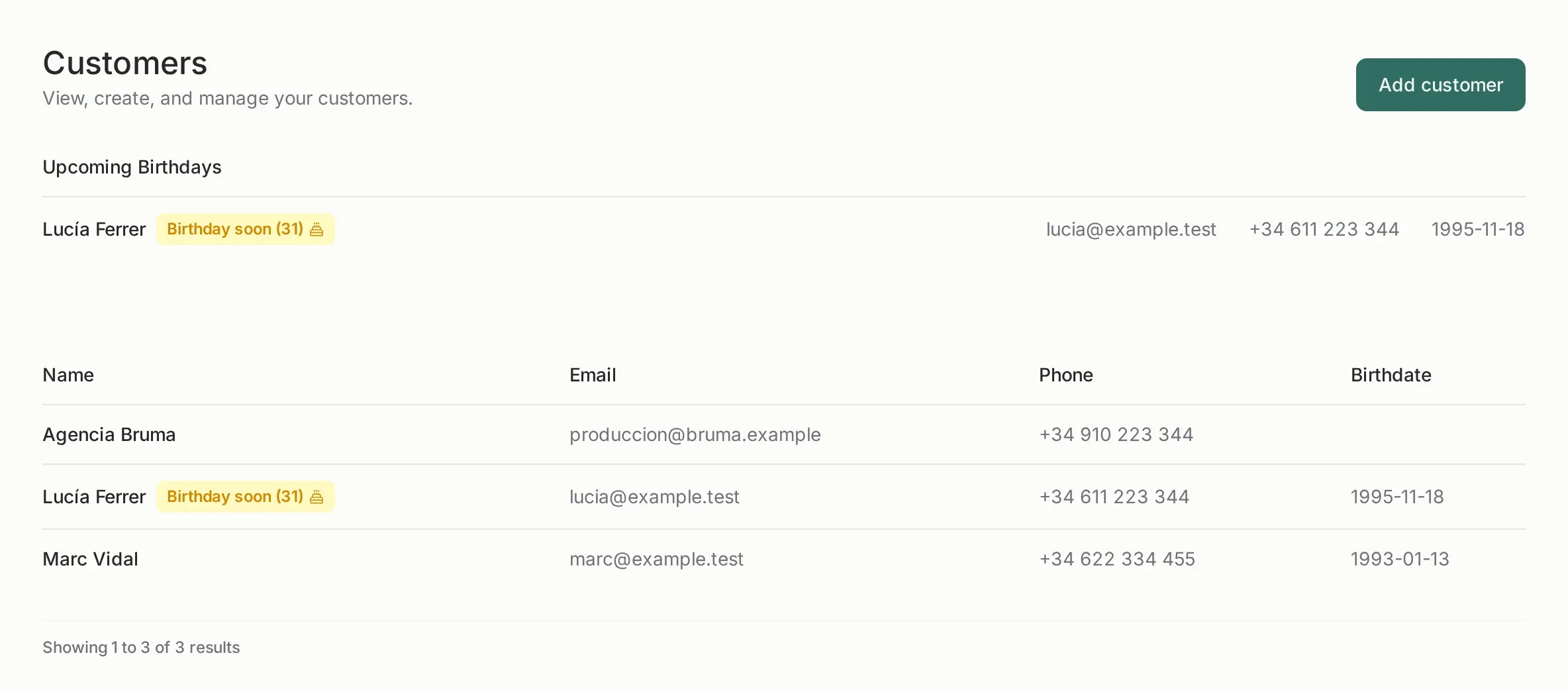
One record, everything attached
Section titled “One record, everything attached”A customer is the common thread: every gallery, contract and invoice can point to one. That is what makes the client portal and the invoice history possible.
A customer holds:
- the name you use internally and the legal name that goes on invoices;
- tax ID, address, city, state, postal code and country, required to issue a complete invoice;
- contact data, phone and birthday (birthday powers the reminder on the dashboard);
- the galleries, contracts and invoices linked to them.
The tax ID is unique per team, so you cannot create two customers with the same ID by mistake.
The client portal
Section titled “The client portal”Each customer has a private link that lists all their shared galleries in one page. It is what you send to a client who has three sessions with you this year: one link instead of three.
What the portal shows:
- every shared gallery of that customer;
- only the galleries whose password has already been entered;
- a page in your branding, with your logo and colors.
What it never shows: invoices, contracts, your internal notes, other customers or the panel itself.
Fiscal data, before you need it
Section titled “Fiscal data, before you need it”Fill the legal data before creating the invoice, not after. An issued invoice takes a snapshot of the customer’s data: correcting the customer later does not change an invoice that has already been issued. To fix that you need a corrective invoice.
For a private individual, the tax ID can be their DNI/NIF. For a company, it is the CIF/VAT number and the legal name must match the registry.
Birthdays and follow-up
Section titled “Birthdays and follow-up”The dashboard lists customers with a birthday in the next days. It is a small feature on purpose: a reminder, not a marketing campaign. Nothing is sent automatically.
Deleting a customer
Section titled “Deleting a customer”Deleting a customer does not delete the galleries, contracts or invoices already created: they keep their own copy of the data. The customer record disappears from your lists.